
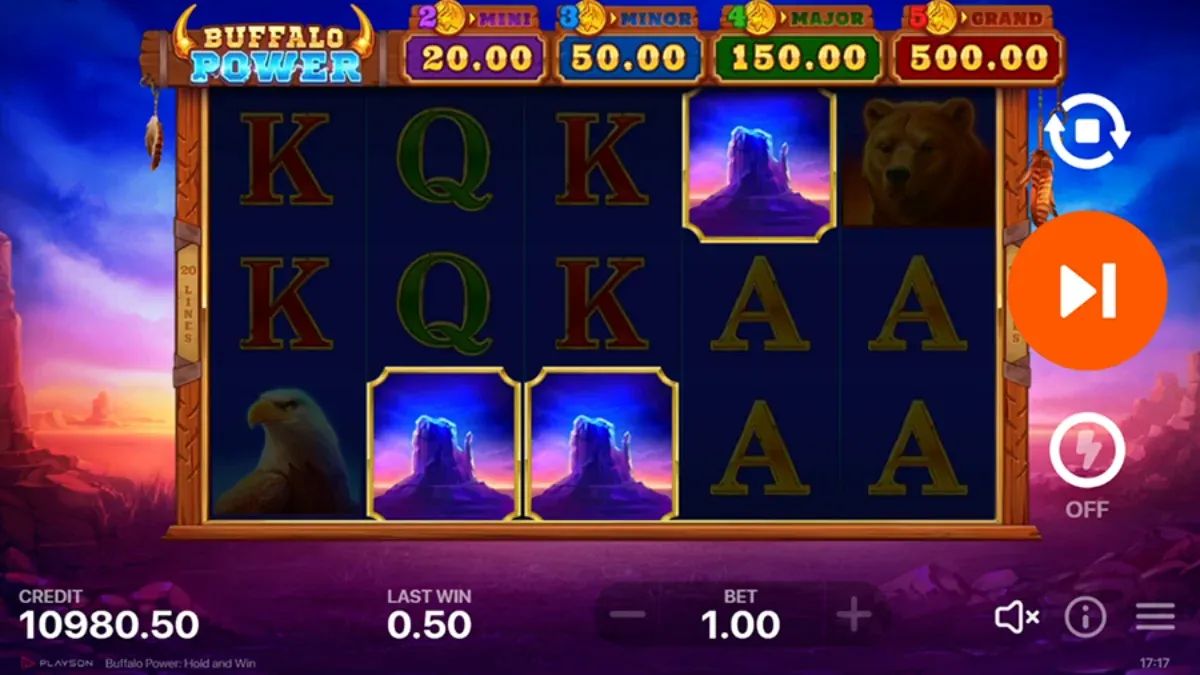
Start hereReload the page, press play once and wait a few seconds. That fixes most problems.
An empty or black window
- Pause ad blockers and privacy extensions for this site — the game window comes from Playson's domain.
- Allow third-party cookies, or add this site as an exception.
- Try a private window to rule out extensions.
- Update your browser to a current version.
The game keeps loading
The first start downloads the art and sound. On a weak connection give it up to a minute, close streaming tabs, or switch networks.
No sound
- Tap the game once — browsers wait for a tap before playing sound.
- Check the speaker icon in the game and your device's mute switch.
Phones and fullscreen
- Use the fullscreen icon in the corner of the window.
- Turn the phone sideways for a bigger grid.
- Close the demo with ✕ when you're done.
Region messages
Some countries restrict game demos. That message comes from the game server, not this site.
Still stuck?
Tell us your device and browser on the contact page.